

How to Use VW Car-Net Remote Access
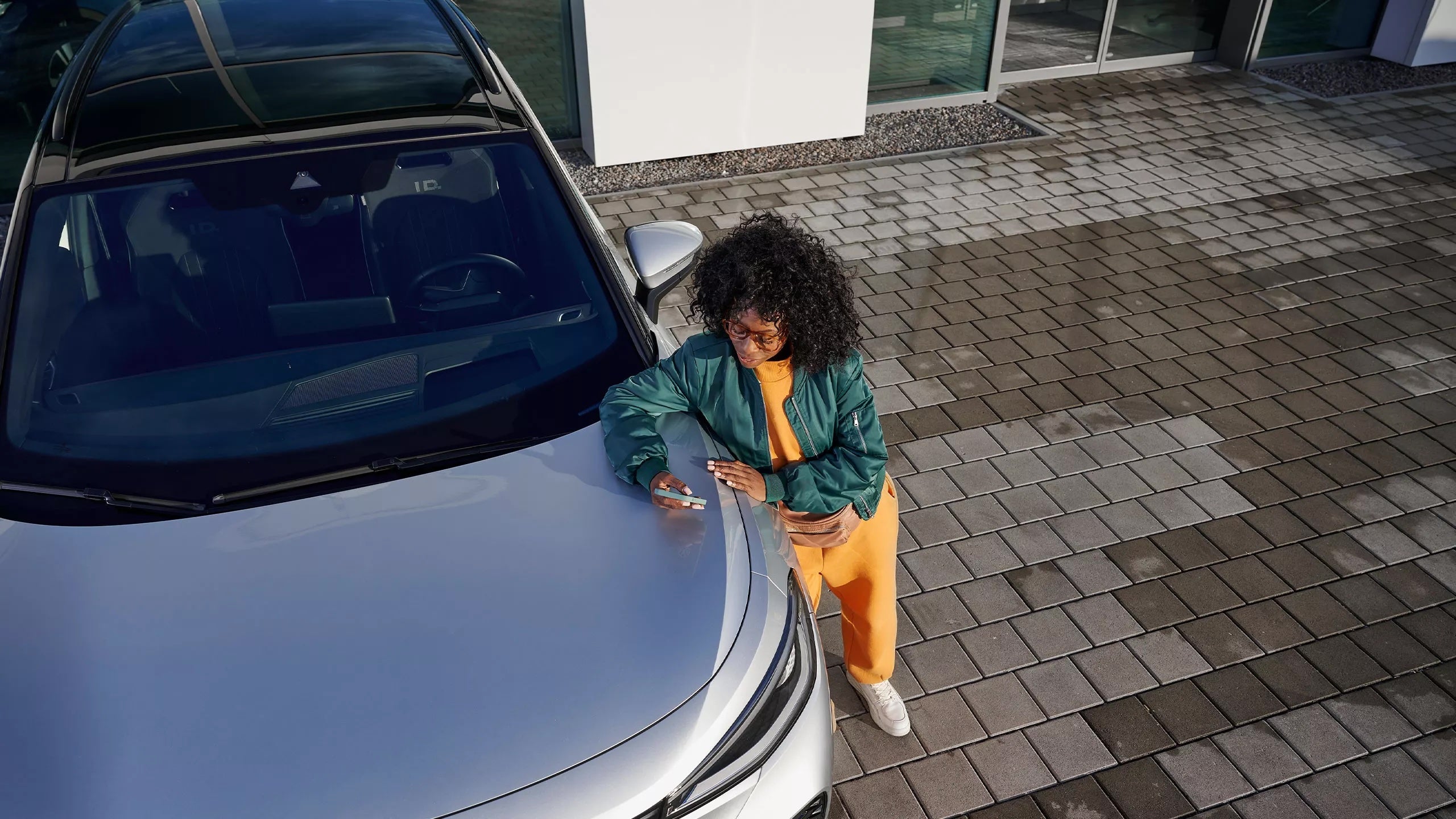
The myVW app (which powers VW Car-Net) has become an essential tool for 2026 Volkswagen owners, offering a bridge between your smartphone and your vehicle. Whether you want to cool down your ID.4 on a summer afternoon or double-check that you locked the doors of your Atlas, Remote Access provides that peace of mind.
Here is a guide on how to set up and use these features effectively.
Getting Started: The Setup Process
Before you can use remote commands, your vehicle must be linked to your unique Volkswagen ID.
Download the App: Search for "myVW" in the Apple App Store or Google Play Store.
Create Your VW ID: Follow the prompts to register your email and create a profile.
Add Your Vehicle (VIN): You will need your 17-digit Vehicle Identification Number.
You can find this on your registration papers or on the driver’s side dashboard, visible through the windshield. Verify Ownership: Most 2026 models require you to "Scan a QR Code" displayed on your vehicle's infotainment screen to finalize the pairing.
Enroll in Remote Access: Navigate to the "Shop" or "Subscriptions" tab in the app.
For 2026 models, Remote Access is typically included for the first three years of ownership.
Core Remote Access Features
Once active, these features appear on your app’s home screen for quick interaction.
1. Remote Start & Climate Control
Gasoline Models: If your VW is factory-equipped with remote start, you can tap the "Start" icon to idle the engine. This will run for a set duration (usually 10 minutes) to reach your last-used climate settings.
Electric Models (ID.4 / ID. Buzz): You can remotely activate the HVAC system without "starting" an engine. You can even set a specific target temperature so the cabin is perfect before you step inside.
2. Remote Lock & Unlock
Forgot if you locked the car at the mall? The app provides a real-time status of your doors and windows. You can trigger a lock or unlock command from anywhere with a cellular signal.
Note: For safety, the vehicle will usually require you to enter a PIN or use Biometric ID (FaceID/Fingerprint) to execute an unlock command.
3. Remote Honk & Flash
This is the ultimate tool for finding your car in a crowded stadium parking lot. It triggers a short burst of the horn and a sequence of light flashes to help you spot your VW from a distance.
4. Vehicle Health & Status
Beyond active commands, you can remotely monitor:
Fuel/Battery Level: View your remaining range before you leave the house.
Mileage: Check your current odometer reading.
Maintenance Alerts: Receive notifications if your vehicle is due for an oil change or if a warning light (like a low tire pressure sensor) is triggered.
Troubleshooting Common Connection Issues
If your app isn't communicating with your car, try these quick fixes:
The "Sleep Mode" Rule: If a vehicle is not driven for several days, it may enter a deep sleep mode to save battery, temporarily disabling remote functions. Simply starting the car manually will wake the system back up.
Check Cellular Signal: Both your phone and the car need a steady signal. If you are parked in a deep underground garage, Remote Access may fail to connect.
Software Updates: Ensure your myVW app is updated to the latest version and that you have accepted the most recent "Terms of Service" in the app’s account settings.

All vehicle prices exclude applicable taxes, title, license, registration, finance charges, emissions testing fees, and any other fees required by law or by the selling dealer, lender, or governmental agency, unless otherwise expressly stated. Out-of-state purchasers are responsible for all taxes, title, registration, and government fees applicable in the state where the vehicle will be registered.
Unless otherwise noted, advertised prices include manufacturer incentives available to the dealer. Manufacturer incentives, rebates, and special offers are subject to eligibility requirements, program rules, and expiration dates. Not all customers will qualify for every incentive or rebate advertised. Offers may not be combined and eligibility may depend on factors including, but not limited to, residency, current vehicle ownership or lease status, military service, college graduate status, loyalty, conquest eligibility, or financing through a designated lender. Dealer sets final price. Contact the dealership for complete program details, eligibility requirements, and final pricing.
Vehicle prices, payments, specifications, equipment, incentives, availability, and other information are believed to be accurate but are not guaranteed and are subject to change without notice. Dealer is not responsible for typographical, pricing, data transmission, or other administrative errors or omissions. Please verify all pricing, incentives, equipment, options, colors, accessories, trim levels, payments, and vehicle availability with the dealership prior to purchase.
Vehicle descriptions and information are based on manufacturer data and standard equipment and may not reflect the exact vehicle offered for sale. Images, videos, and other visual representations are for illustration purposes only and may not depict the actual vehicle. Options, colors, accessories, trim levels, body styles, packages, and other features may vary.
All vehicles are subject to prior sale.
EPA fuel economy estimates are provided for comparison purposes only. Actual mileage will vary based on driving conditions, vehicle maintenance, driving habits, weather, road conditions, and other factors.